Services

Four jobs, done well,
with no monthly licensing on any of them.

From a single-floor café to a multi-building site, every Net Intellect install runs on Ubiquiti UniFi. It's the platform that lets a small specialist firm install business-grade networks without an annual licence to renew. Below is what each of the four services actually includes.

01
Business WiFi installation

WiFi designed for the busiest hour, not a quiet Tuesday.

Heat-mapped UniFi installations for offices, professional services and workshops, and for hotels, pubs, cafés, retail, charities and community venues too. Coverage measured before we quote, not estimated from a floor plan.

  • Coverage measured. A site visit, with a survey kit, before any number is put on a quote. You receive a written floor plan with proposed access point placements, a coverage heatmap, and the exact hardware list.
  • Separate networks for every audience. Staff, guests, card payments, smart-building kit, contractors: each on their own VLAN (a virtual lane kept isolated from the others), with per-client bandwidth limits so one user can't slow the room.
  • Roaming-grade configuration. Phones and laptops hand off cleanly between access points instead of clinging to the weakest signal. The standards that make this work (802.11k/v/r) are turned on by default.
  • Neat install. Surface trunking painted to match. Cables labelled at both ends and routed neatly. Photos at every stage so you can see what's behind the walls when we leave.
Book a free site survey →

Most venues run on one router: strong at the front, dead at the back. We fit access points so it is strong in every room, even at the busy times.

Typical install time
1-2days
Most small-business sites are scoped, installed, and handed over in a single visit or split across two consecutive days.
Typical hardware lifespan
7-10years
UniFi access points get firmware updates well past their hardware-sale date. The kit you buy now will still be supported when you grow.
Recurring licensing
£0/mo
Every install. Every year. Every device. The hardware bill is the bill.
02
Network design & cabling

UniFi switching, structured cabling, neat cabinets.

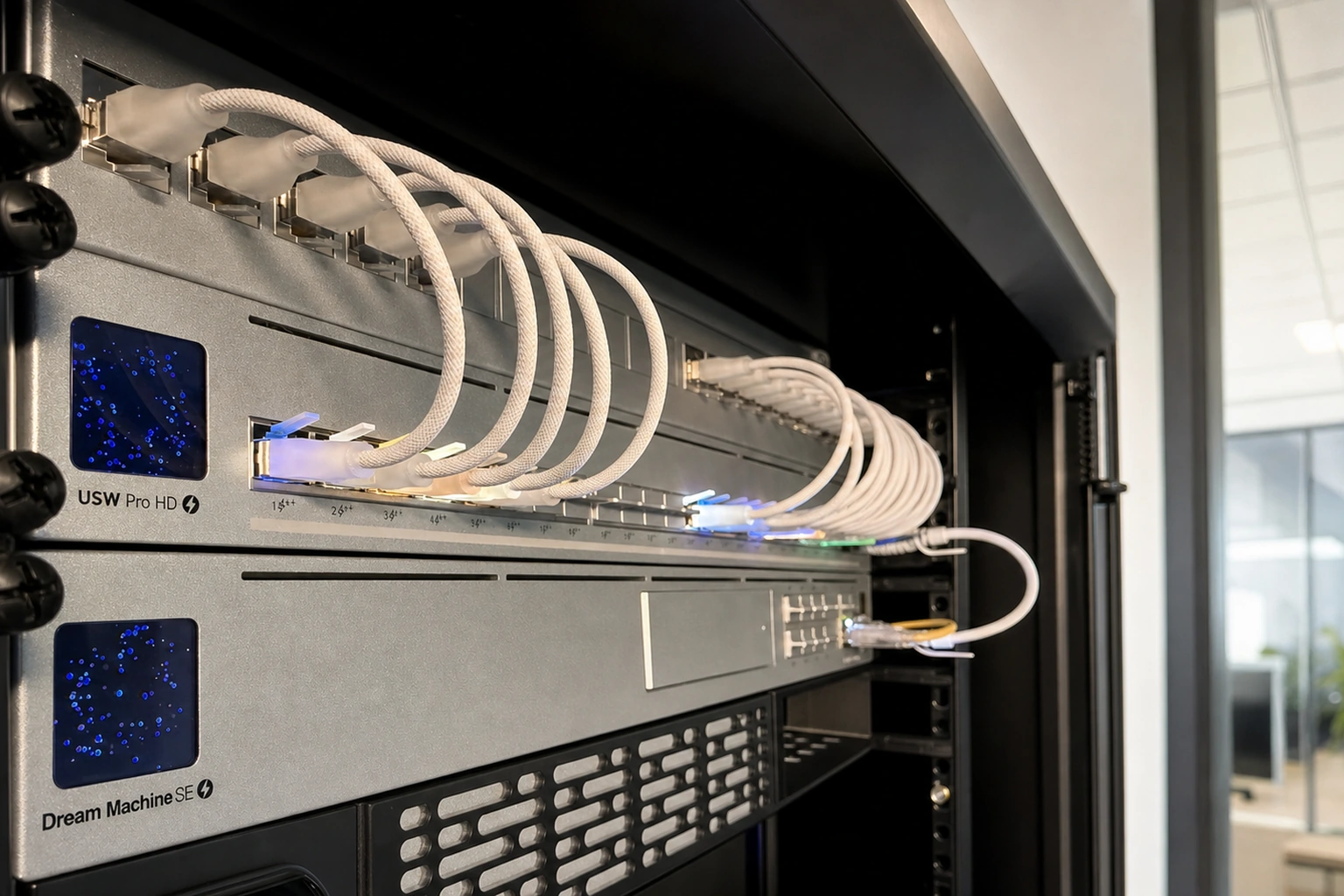
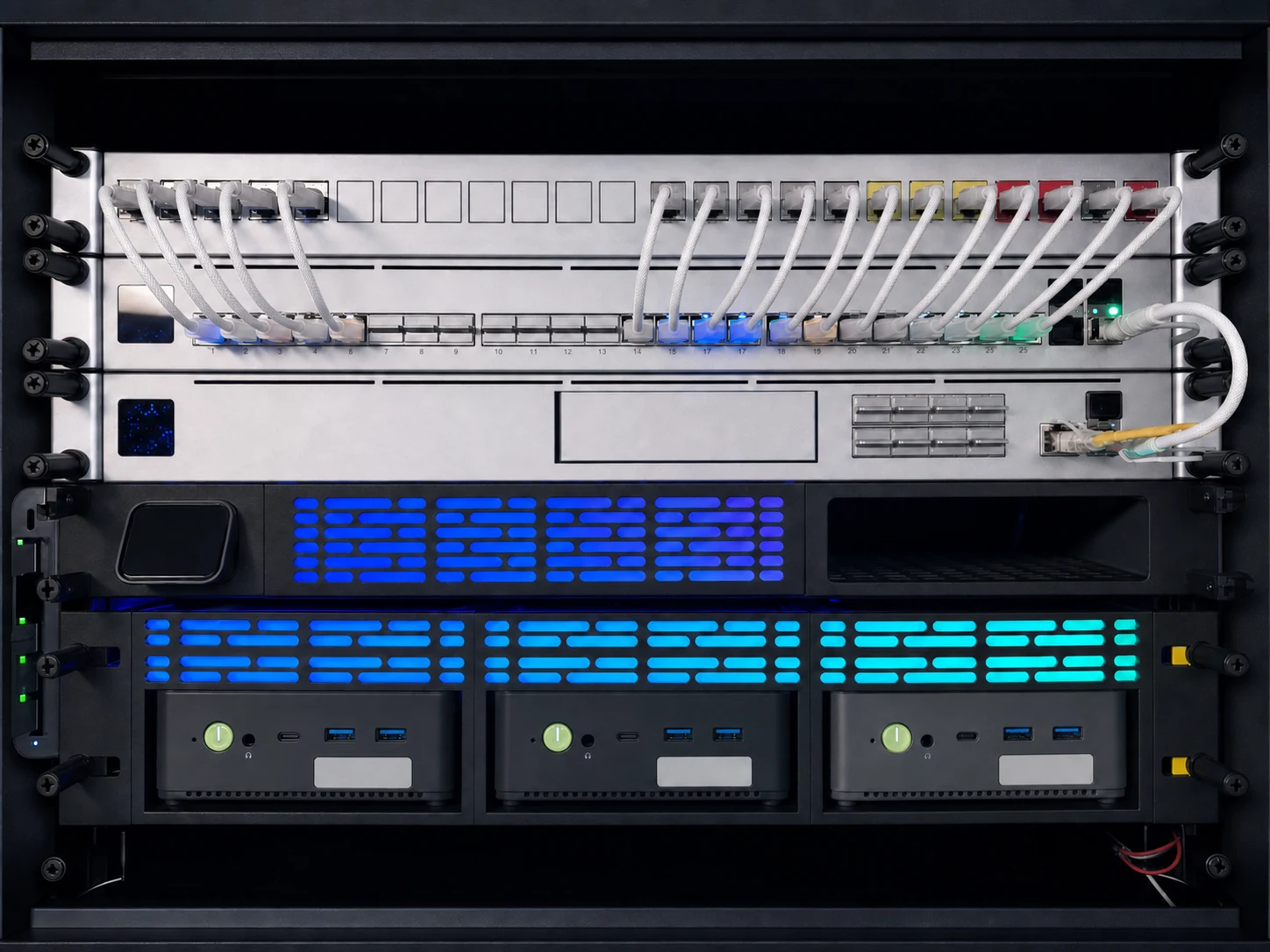
From a refresh of a single comms cabinet to a core network spanning several buildings and cabinets. UniFi switching and gateways, Cat6/Cat6a structured cabling, redundant pairs where uptime matters, and full handover documentation that lets anyone support what we built.

  • The right size of switch for the job. We pick the tier that matches your usage, not the one with the highest margin. Larger sites get aggregation-class switching where it earns its keep; small offices don't pay for capacity they won't use.
  • Routing done where it makes the network fastest. Traffic between your separated networks happens on the core switch (where it's quick) rather than the firewall (where it isn't). The firewall sits at the building's edge handling everything leaving and arriving: clean, predictable, easy to support.
  • Redundancy you can verify. Dual power supplies, paired switches that fail over silently, redundant uplinks to every access switch. We test all of it before handover. It isn't real redundancy unless someone's pulled a plug and watched it work.
  • Cabling you can be proud of. Cat6/Cat6a (the modern wiring standard), labelled at both ends, terminated to the industry colour code, tested with a calibrated tester. Cabinets cable-managed neatly, not a tangle behind a door.
  • Documentation that survives staff turnover. Network diagram, port map, IP plan, network-segment list, firmware versions, login pack. The whole estate, on one PDF.
Discuss a network refresh →
Cable category
Cat6/Cat6a
Cat6 cabling for everyday runs, Cat6a where higher-speed kit is on the roadmap. Riser-rated cable where building regs require it (multi-floor buildings, mostly).
Switch warranty
2yr standard
Manufacturer warranty applies as standard on all UniFi switching. Our workmanship warranty is 12 months on top.
Per-port licensing
£0
Unlike Cisco Meraki or Aruba Central, UniFi switches need no per-port subscription to keep working.
03
Branded captive portals

Guest WiFi sign-in pages that earn their keep.

Your branding. Your domain. Your data. A custom guest WiFi welcome screen that captures GDPR-compliant email opt-ins, syncs them straight into your existing mailing platform, and runs on Cloudflare Workers — free for your first year with the install, then from £15/month. No per-user licensing, no third party owning your audience.

  • Designed for your brand. Your logo, your colours, your tone of voice. Not a generic vendor splash page with someone else's name on it.
  • GDPR-compliant by default. Proper opt-in tickbox, clear privacy notice, double opt-in if you prefer. The data is yours, gathered lawfully.
  • Syncs to your mailing platform. Brevo, Mailchimp, MailerLite, Klaviyo: sign-ups land in your existing list within seconds, tagged by event or location if you want them grouped.
  • Hosted on Cloudflare Workers. Edge-fast, globally cached. Year 1 is free with the install, then from £15/month — and the list it builds is yours forever.
  • Returning visitors recognised. Optional, and remembers opted-in guests so they reconnect without re-entering their email every visit.
Year-1 hosting
£0
Free for your first year with the install, then from £15/month.
Sync to mailing list
<5sec
From sign-up to landing in your Brevo / Mailchimp / Klaviyo audience. Tagged automatically.
Data ownership
100% yours
No third-party portal vendor owning a copy of your audience. The CSV export is yours; the sync to your platform is direct.
04
Remote support & monitoring

Optional bolt-on for sites that can't go down quietly.

For venues, retail and offices where downtime costs money or reputation. A monthly bolt-on after install. You keep the dashboard either way, so cancelling means losing the watching, not the network.

  • 24/7 remote monitoring. Continuous health checks across access points, switches, gateways and uplinks. We see the problem before you do.
  • Most things fixed remotely before you notice. Reboots, channel changes, configuration tweaks, blocked threats: handled without a call-out.
  • Firmware updates applied during quiet hours. Scheduled, tested, rolled back if anything misbehaves. You don't lose a Wednesday lunch service to a buggy patch.
  • Monthly email summary. What happened, what we did, what to watch, in plain English. One page, one email, the first of every month.
  • On-site escalation when remote isn't enough. Call-outs are charged by the hour and quoted before we travel, with best-effort same-day cover for managed clients.
Discuss a support plan →
Monthly fee
£25/mo
Optional bolt-on with any install. Cancel any time. The dashboard is yours regardless.
Included on every install

The bits that aren't a line item, because they shouldn't have to be.

Every Net Intellect install, from a single-room café to a multi-floor refresh, comes with the same baseline of basics done right. No upsell to get them.

Two networks minimum

Staff and guest, separated, on the same hardware. No extra charge. It's standard small-business networking practice and we treat it as standard.

Coverage tested

Walked, measured and signal-tested before we leave. Heatmap appended to the handover documentation.

Self-hosted controller

Your network is managed from a UniFi controller you host (on a cloud key, a VM, or our own UNAS Pro). No vendor cloud, no subscription dependency, no lock-in.

12-month workmanship warranty

If our installation work fails (bad terminations, loose mounts, wrong configuration), we fix it within 12 months at no charge.

Once the network's sorted

The next move: self-host the rest of your stack.

Once your network's in place, the natural next step is to bring the rest of your tools in-house. We design and install on-premises alternatives to Microsoft 365, Dropbox Business, Bitwarden Business and Verkada, all running on hardware you own, on your network, with no per-user fees.

Same kit pattern we use for ourselves. Self-hosted Nextcloud (file storage), Vaultwarden (password vault), UniFi Protect (CCTV), Proxmox-backed backups. The SaaS experience without the SaaS bill.

See self-hosted apps →
  • NextcloudFile sharing and sync, your Dropbox / OneDrive replacement
  • VaultwardenSelf-hosted Bitwarden password vault for the team
  • UniFi ProtectOn-prem CCTV with no per-camera Verkada licence
  • Proxmox + backupsHypervisor + 3-2-1 backup to off-site & offline media
The honest numbers

What a UniFi install really costs over five years

Drag the slider to your size and compare the full five-year cost against a licensed vendor. Hardware and install included, with no annual licence to renew.

5-year project cost calculator

Live

A like-for-like comparison of complete project cost including installation, not just hardware. Net Intellect installs the UniFi side; the Meraki side assumes a typical Meraki-certified partner at the same labour rate. Methodology below.

Net Intellect (UniFi)
£6,008
Hardware + install · no licensing
Meraki via partner
£19,350
Hardware + install + 5yr licensing
£13,342
Five-year saving with UniFi

Optional ongoing remote monitoring and support from £25/month (not bundled in the totals above). See what's included →

An indicative comparison to show the licensing difference, not a quote. Your own figure always comes from a free site survey.

How is this calculated?

Pricing sources: UniFi hardware from Ubiquiti UK Store MSRP. Meraki hardware and licensing from Cisco Meraki published list pricing. Installation labour is the same on both sides. The goal is a fair like-for-like, with the difference coming from hardware mark-up and recurring licence fees only.

Net Intellect / UniFi (per 10 access points)Cost
10 × U6 Pro access points (£125 each)£1,250
1 × USW Pro Max 24 PoE switch£359
1 × UCG-Max gateway£199
Survey, design, install, configuration (£700 + £350/AP)£4,200
5-year licensing£0
5-year project total£6,008
Cisco Meraki via partner (per 10 access points)Cost
10 × MR36 access points (hardware)£6,350
10 × MR Enterprise licence (5-year)£6,000
1 × MS125-24P switch£2,000
Switch licence (5-year)£800
Install labour (£700 + £350/AP, same as us)£4,200
5-year project total£19,350

Conservative round figures so the saving is never overstated. The install fee covers a written site survey, design document, on-site cabling and mounting, full UniFi configuration, post-install check-in, and warranty handling for the lifetime of the kit. The £350/AP rate scales with site complexity: a 2-AP village hall is a single-day job, a 10-AP medium-SME install is typically 2-3 days, and a 20-AP multi-floor build is 4-7 days, sometimes with two engineers. Your actual quote depends on AP density, switch tier, cabling routes and any redundancy. Book a free site survey for exact numbers.

Vendor comparison

UniFi vs Cisco Meraki: the honest table.

Two platforms a small business is most likely to be quoted. Same install size (10 access points + 1 switch + 1 gateway). Same five-year window. The licensing column is where most of the difference lives.

What you're paying for Ubiquiti UniFi Cisco Meraki
Per-AP licence (5 yr) £0 £120/AP/yr(Enterprise tier)
Per-switch licence (5 yr) £0 £160/switch/yr
Controller / cloud licence £0 (self-host) Mandatory cloud (built into licence)
Single management screen Yes: WiFi, switching, gateway, cameras, access Yes (cloud-only; each product line needs its own licence)
If you stop paying renewals Network keeps working (you bought the hardware) Devices stop passing traffic after a 30-day grace period (Co-Term & per-device licensing)
Vendor lock-in Low (you own and host the controller) High (cloud-only, no off-cloud option)
5-year cost (hardware + licence, before install) £1,808 £15,150

Hardware and licence list prices, before installation; the full installed five-year cost is in the calculator above. UniFi: Ubiquiti UK Store list price. Meraki: Cisco published list pricing for MR Enterprise + MS125 Enterprise tiers. Reseller quotes can vary; the renewal cycle catches up by year 3 on Meraki regardless of any year-1 discount. Other vendors (Aruba, Ruckus, Extreme) follow a similar subscription pattern; we'll verify their published rates and add columns as we get hands-on with quotes.

Common questions

Questions before the first call.

If your question isn't here, ring 07432 214653 and you'll get straight to the engineer who'd do the work.

Do you cover my area for business WiFi installation?

The site survey is free across our whole patch: Worcestershire, most of Herefordshire, the West Midlands as far as Birmingham, north Gloucestershire including Cheltenham, the Cotswolds, and Warwickshire including Stratford-upon-Avon and Evesham. Further afield we still travel for project work; mileage at HMRC rate, no premium loaded on top.

How much does business WiFi installation cost in the UK?

Every site is different, so the only firm figure is the one on your written quote after a free survey. As a rough guide, a small single-room install (a café, a one-floor office, a salon) usually starts from around £1,800, with larger jobs costing more as access points and cabling are added. There is no monthly licensing fee on the UniFi platform we install, so the hardware bill is the bill, and you will always see the real figure before you commit to anything.

How long does a business WiFi install take?

Most small-business installs (a café, a single-floor office) are scoped, installed and handed over in a single visit, or split across two consecutive days. A small hotel or multi-zone restaurant takes a couple of days extra; either way, the proposal you receive will give a specific date range and a cut-over plan.

Can you replace existing business WiFi without downtime?

Yes. Cut-overs run outside business hours (typically evening or early morning), with the old kit live until the new network is verified. For 24/7 hospitality sites, we plan a phased rollover one zone at a time.

Why UniFi specifically?

UniFi is the only major business-grade ecosystem where the licensing model is buy the hardware once, then nothing: no per-AP cloud licence to renew. Specialising on one platform also means every install follows the same rigorous standard.

Is there ongoing support after the install?

Optional, never required. The UniFi controller runs on hardware in your office (typically a Cloud Gateway or Dream Machine), so you can log into the dashboard locally whenever you like, with or without a support contract from us.

If you don't take a remote contract, you simply lose the proactive monitoring, the firmware updates run during quiet hours, and the on-call remote help. The dashboard, the data and the network stay yours. On-site call-outs are charged by the hour and quoted up front, with best-effort same-day cover for managed clients.

Got a question that isn't here? Call us on 07432 214653 and we'll talk it through.

Ready to talk?

Free site survey, written summary, no pitch.

The first conversation is just a conversation. We come to you, measure the building, work out who's using the network, then send a summary even if you don't proceed.